
How Claude Code Actually Works
Claude Code can read a codebase, edit files, run commands, work through an agentic loop, connect to outside tools with MCP, and continue across local, cloud, and mobile workflows. Here is how the pieces fit together.
Claude Code is an agentic coding tool from Anthropic that can work directly against a software project. It can inspect files, edit code, run commands, use connected tools, and check the results of its own work. Anthropic currently offers it across the terminal, IDEs, its desktop app, and the web.
The basic interaction is simple: you describe a task, Claude gathers enough context to decide what to do, uses the tools available in the session, inspects the result, and continues until the task is finished or it needs input from you.
The interesting part is everything around that loop. Claude Code can operate against a local project, run work in an Anthropic-managed cloud environment, connect to external services through MCP, and let you monitor a local session from another device. Those pieces make it useful for more than generating isolated code snippets.
The basic interaction
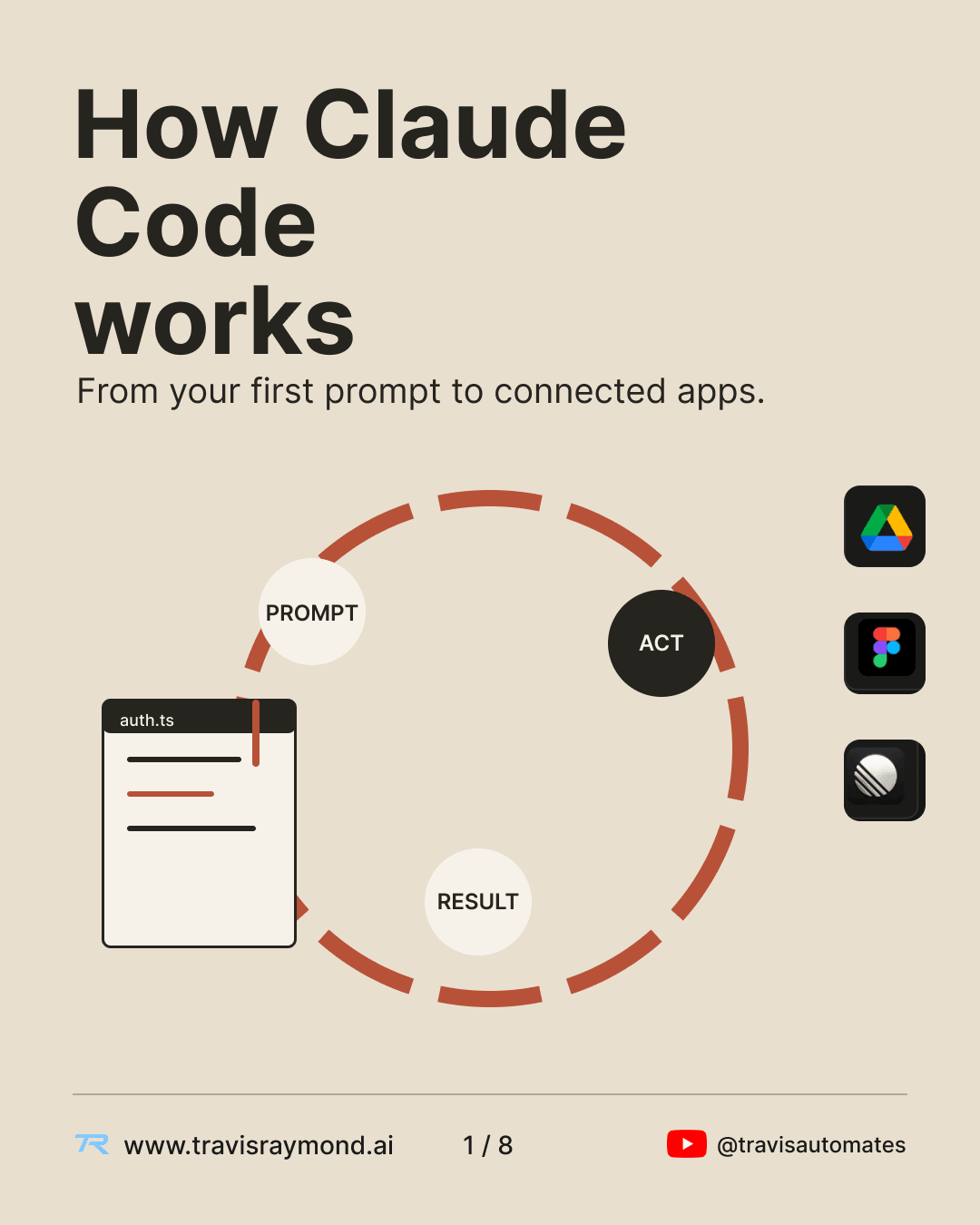
The first prompt gives Claude a goal, but most coding tasks require more than one model response. Claude may need to inspect the repository, locate the relevant files, understand existing conventions, make a change, run a test, read the output, and revise the implementation.
The available tools determine what Claude can actually do. A coding session with filesystem and shell access can change a project directly. A session with additional connected tools can also reach outside the repository.
Working inside the project
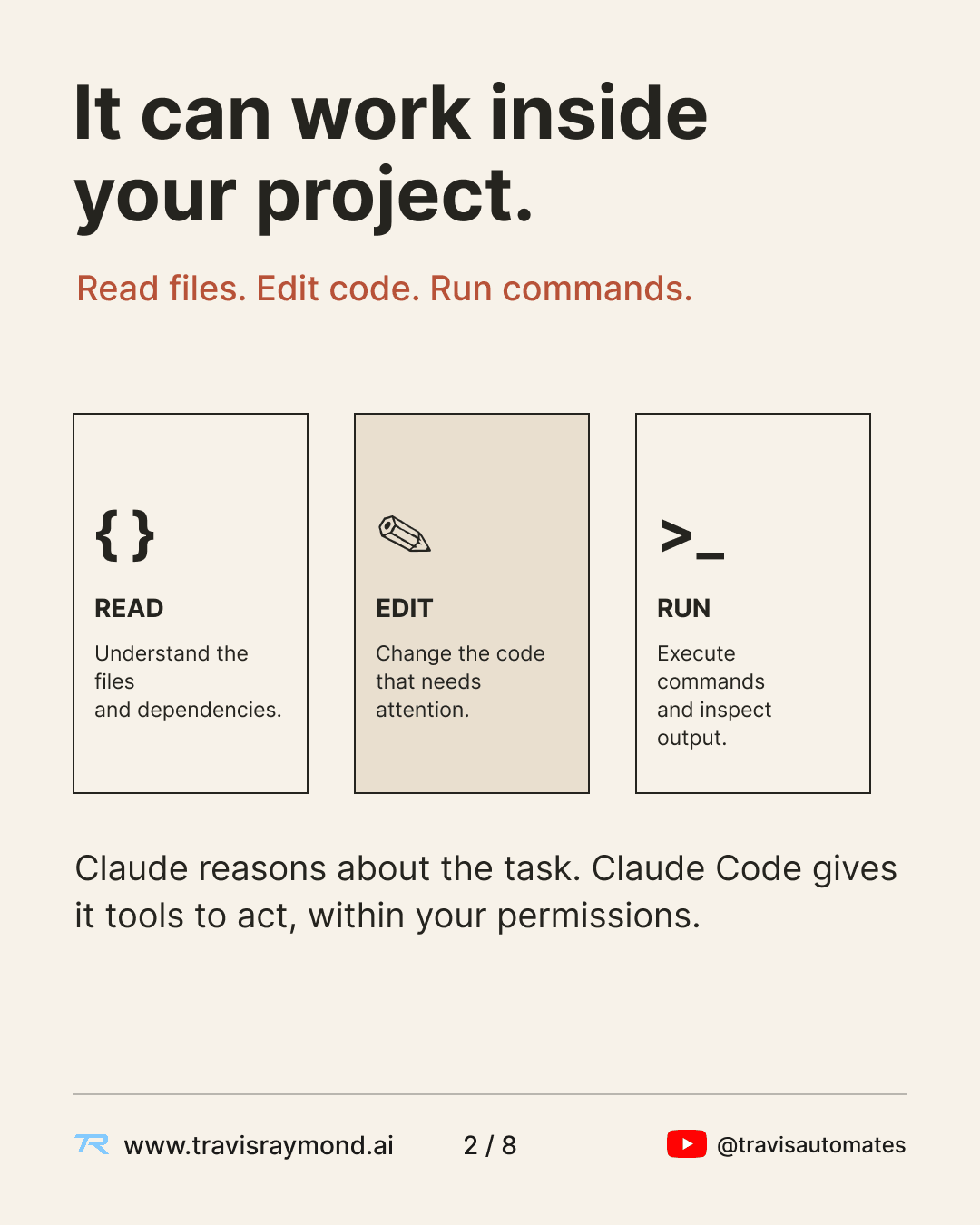
Claude Code can read project files, make edits, and execute commands from the development environment. That means Claude can work with the actual structure of a repository instead of relying on code pasted into a chat window.
For example, a request to fix an authentication bug may require Claude to inspect the route handler, follow imports into another module, read existing tests, edit multiple files, run the test suite, and inspect the resulting error output.
The permissions available to the session still matter. Claude Code does not get unrestricted access to everything on a machine by default. Tool access and approval settings determine what it is allowed to execute.
The result guides the next action
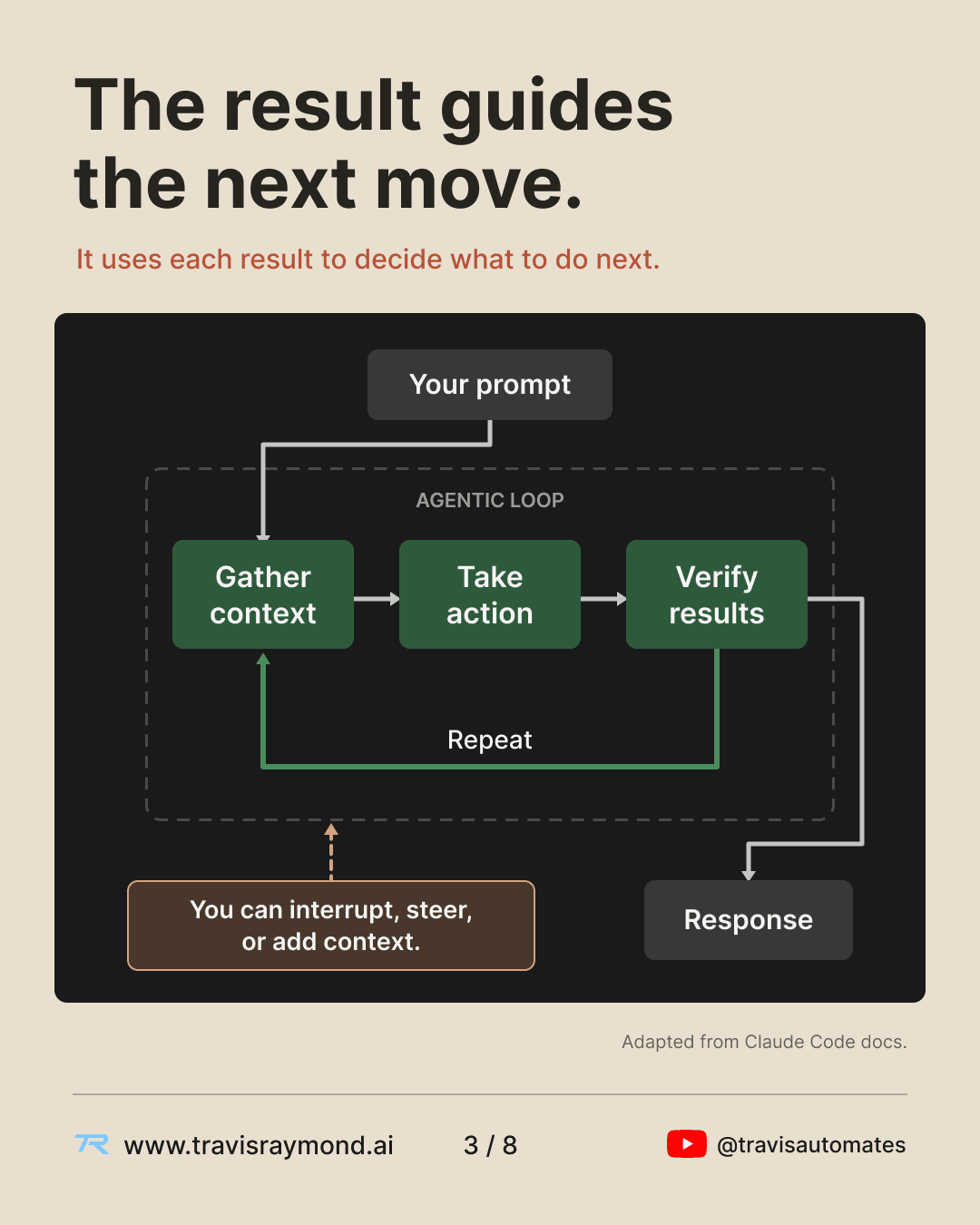
The useful mental model is a loop:
gather context → take action → inspect the result → repeat
Suppose Claude changes a function and then runs the tests. A failed test becomes new context. Claude can inspect the failure, trace the problem back into the code, make another change, and run the test again.
This is why the output of a tool call matters as much as the original prompt. The model is repeatedly receiving new information from the environment and using it to decide what to do next.
You can intervene during that process. You can clarify the requirement, steer the implementation in another direction, answer a permission request, or give Claude additional context before it continues.
Local, cloud, and Remote Control
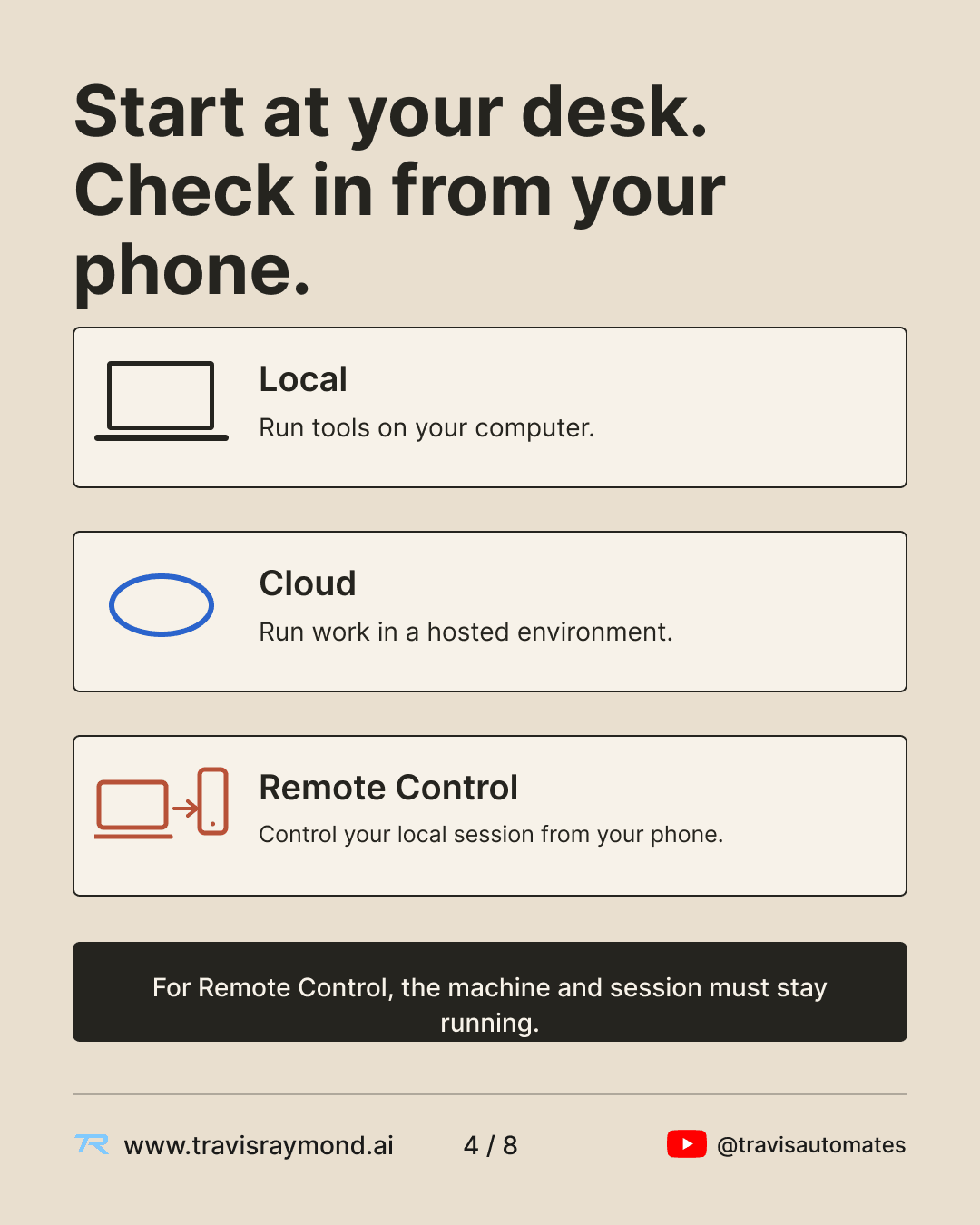
Claude Code can currently run in several different environments, and the distinction matters.
Local sessions run against the environment on your computer. They can use your local filesystem, shell tools, project configuration, and local MCP servers.
Cloud sessions run separately in an Anthropic-managed environment. Each cloud session uses its own cloud environment with configuration for network access, environment variables, and setup scripts.
Remote Control lets you interact with a Claude Code session that is still running on your own machine from another supported device. The filesystem access and command execution remain local. Your phone or browser is another interface into that running session.
Remote Control does not move the execution environment to your phone. The local Claude process still has to be running.
MCP connects Claude Code to outside tools
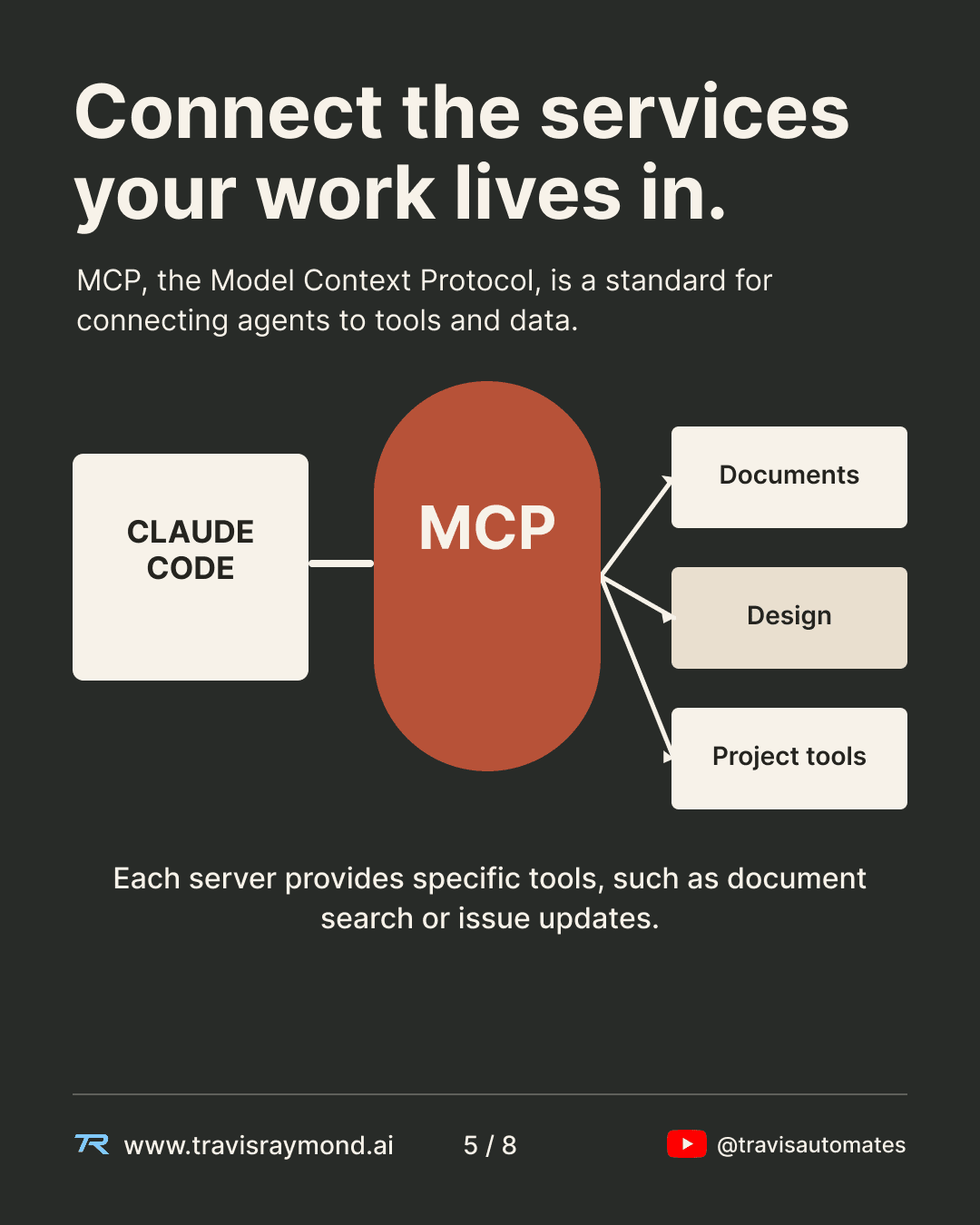
The Model Context Protocol gives Claude Code a standard way to connect to external tools and data sources.
An MCP server exposes a defined set of capabilities to the client. Depending on the service, those capabilities may include reading documents, searching a database, retrieving design information, creating issues, or triggering actions.
Once a server is connected, Claude can work with that service instead of requiring you to manually paste the relevant information into the conversation.
Each connection exposes specific tools. Connecting a design service does not give Claude generic access to everything in that account. Claude works through the capabilities provided by the connector and within the permissions associated with the authenticated user.
Existing work tools can become coding context
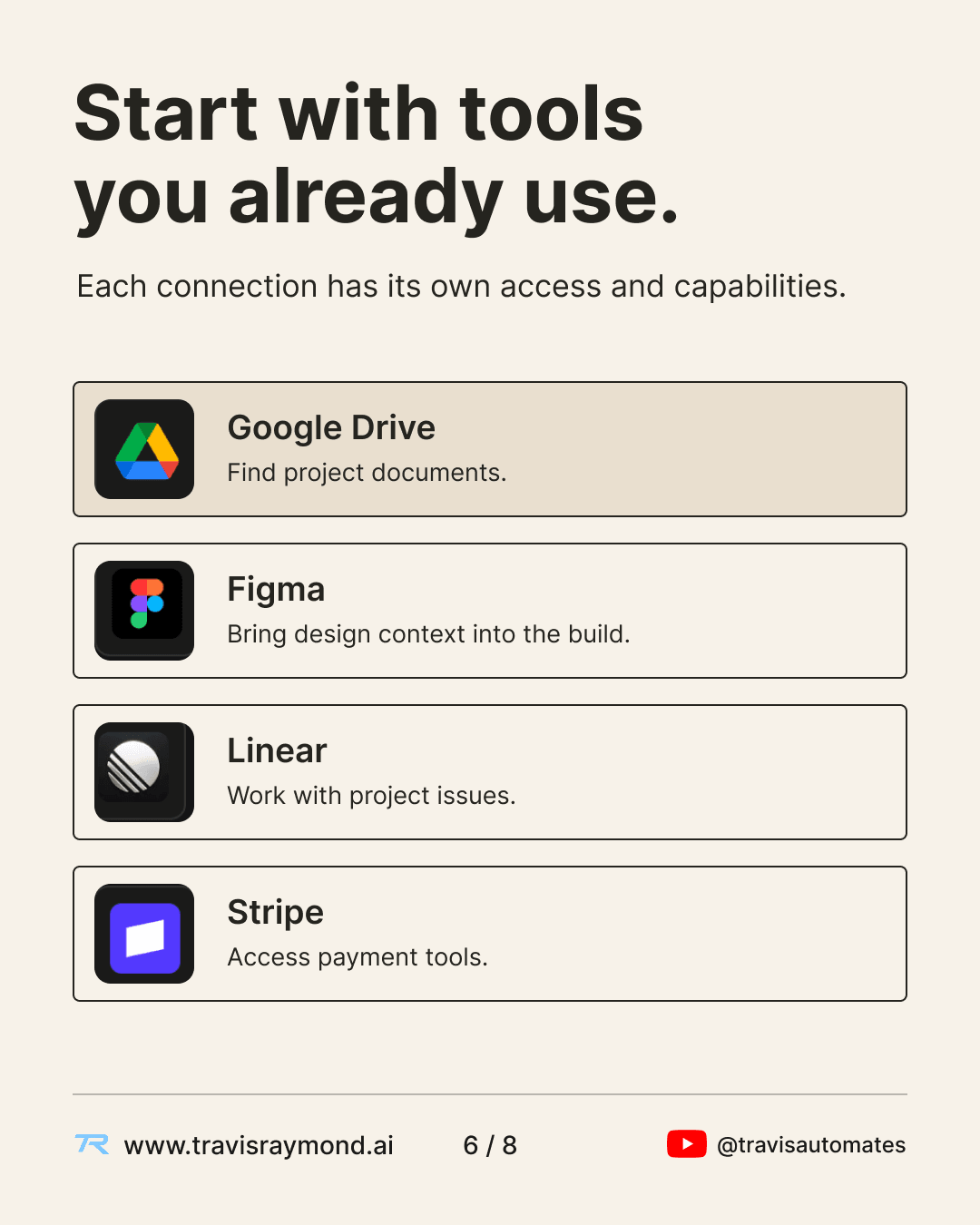
The connector ecosystem includes services such as Google Drive, Figma, Linear, and Stripe.
Google Drive can expose documents and project files. Figma can provide design context. Linear can expose project issues and workflow data. Stripe integrations can expose payment-related tools and documentation.
That reduces the amount of context that has to be manually moved into a coding session.
Instead of copying a product requirement from a document, describing a design from memory, or pasting an issue into the prompt, Claude can retrieve relevant information through an authorized connection when the connector supports it.
Access still follows the underlying service permissions.
Connected context is moving beyond software tools
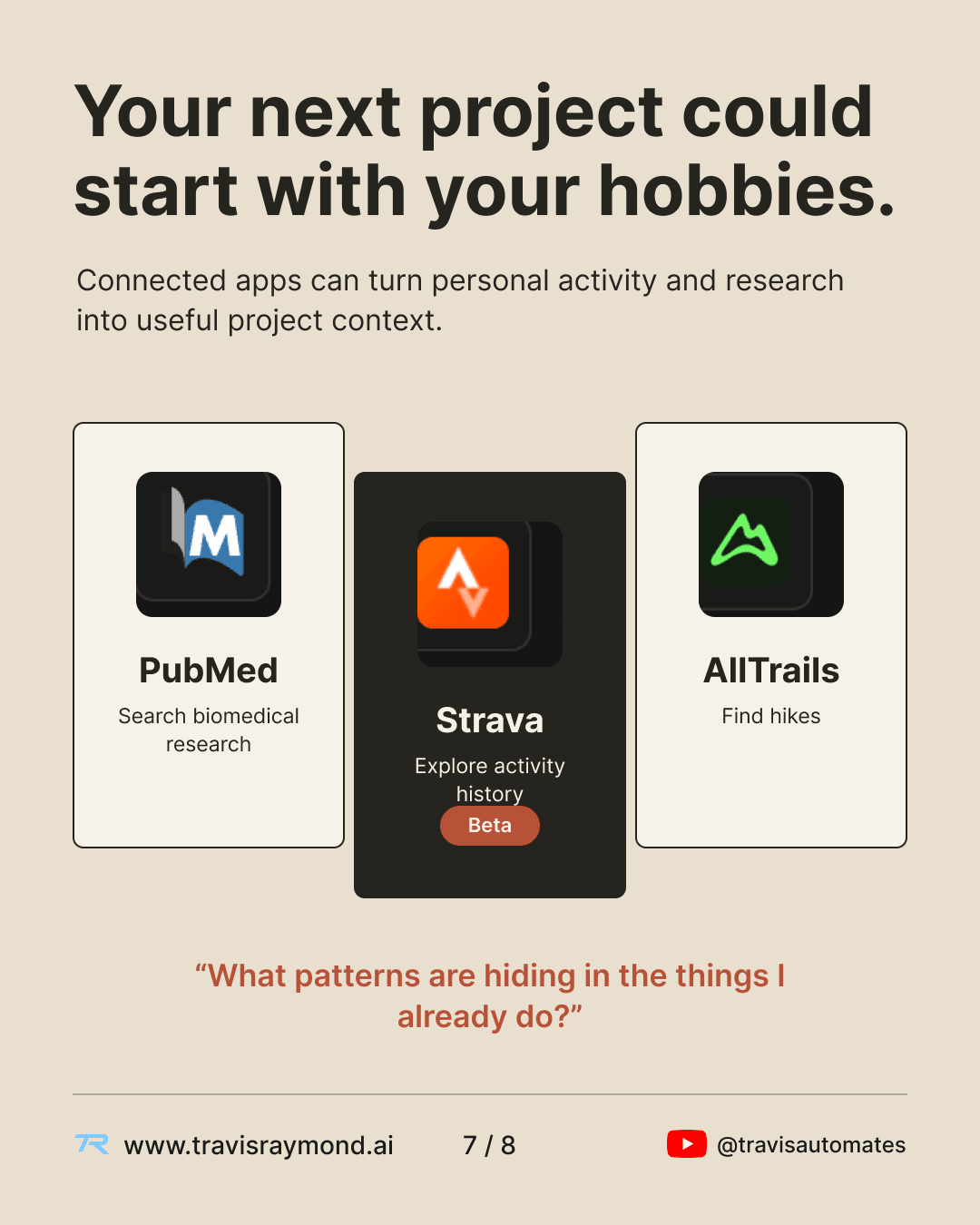
The connector model also extends into personal data and research sources.
Services such as PubMed, Strava, and AllTrails illustrate the broader idea. Research literature, activity history, and location-based information can become inputs to a project when an authorized connector exposes them.
That creates a different category of application.
Activity data could become the input for a personal analytics dashboard. Research sources could feed a literature tool. Trail information could support an outdoor planning application.
The connector provides access to the data or actions. Claude Code still has to turn that information into the application you are building.
A prototype still needs a real runtime
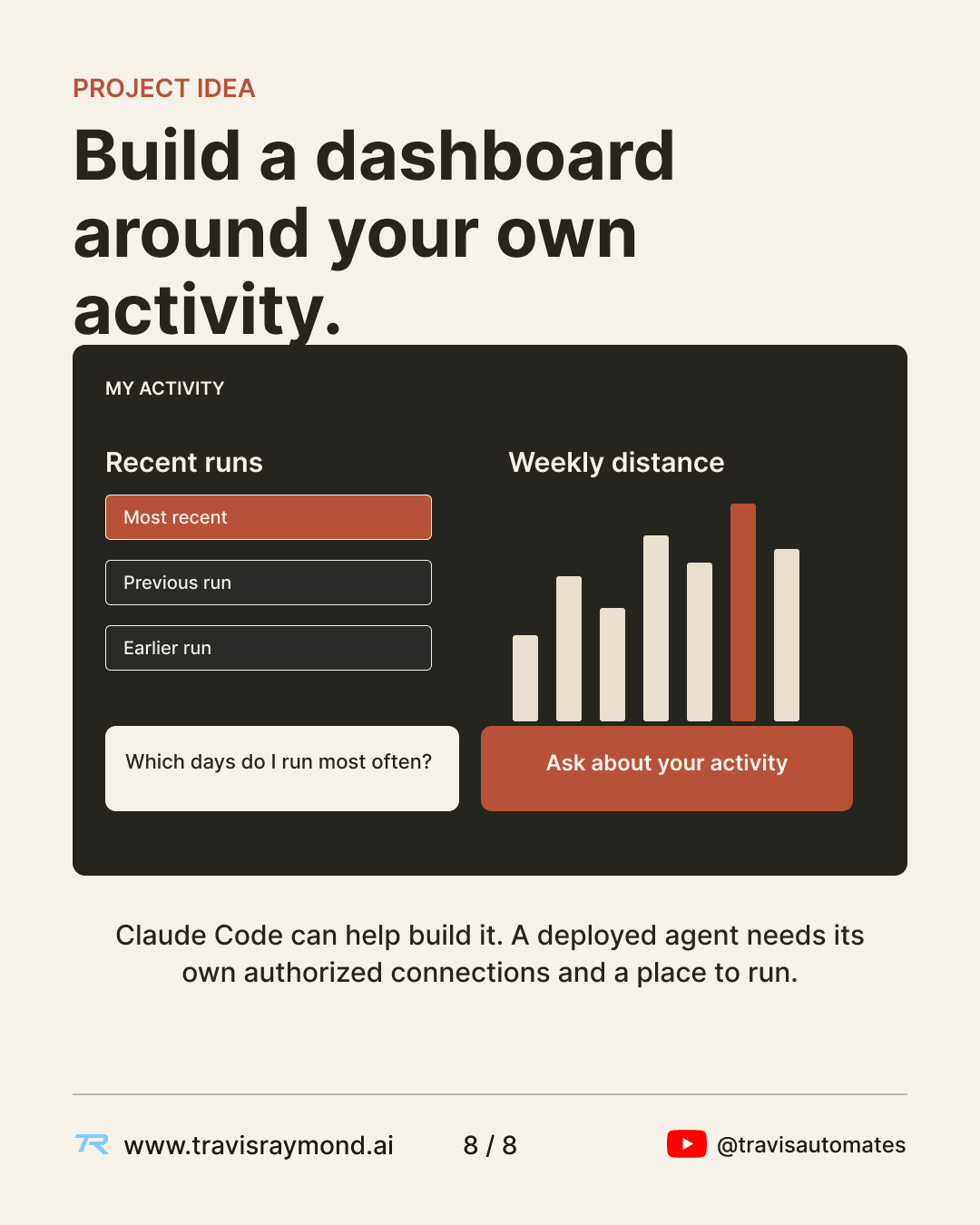
A useful prototype might start with something as simple as an activity dashboard.
Claude Code could help build the interface, query authorized activity data during development, create the logic for charts and questions, and test the application.
Deployment introduces another set of requirements.
A production application needs somewhere to run. It needs its own authentication flow or service credentials for outside APIs. It needs an explicit way to store or retrieve data. It also needs whatever permission model is appropriate for the people using it.
The credentials and tools available inside your personal Claude Code session do not automatically become the backend for a deployed application.
Claude Code can help create and test the software. The finished product still needs normal application infrastructure around it.
Where Claude Code fits
Claude Code is best understood as a development environment built around a model that can use tools.
The model handles the reasoning and language parts of the task. The surrounding environment gives it access to files, commands, external services, and feedback from the work it performs.
That combination is what allows a request like "fix this authentication bug" to become a sequence of repository inspection, edits, test execution, and verification instead of a single block of generated code.
The same structure also explains why connected tools matter. More useful context and well-defined tools give Claude more of the information and capabilities it needs to complete real work.
Watch more on Travis Automates
New video breakdowns on AI, markets, and modern software tools every week—plus templates and build resources inside AutomateOS.
Related Library Content
Sources & References
- [1]Claude Code Overview & Architecture(Anthropic)
- [2]How Claude Code Works(Anthropic)
- [3]Remote Control & Web Sessions(Anthropic)
- [4]Claude Code on the Web(Anthropic)
- [5]Cloud Environments & CI/CD Runners(Anthropic)
- [6]Model Context Protocol (MCP) in Claude Code(Anthropic)
- [7]Model Context Protocol Specification(Model Context Protocol)
- [8]Third-Party Tools & Integrations(Anthropic)